 TransferQueen
CONTACT TRANSFER
Move Your Contacts to a New Phone
Switching phones shouldn't mean rebuilding your contact list by hand. TransferQueen moves contacts directly between Android and iPhone — or between two phones on the same platform.
Listed as "TransferQueen: Photo Share App" on the App Store.
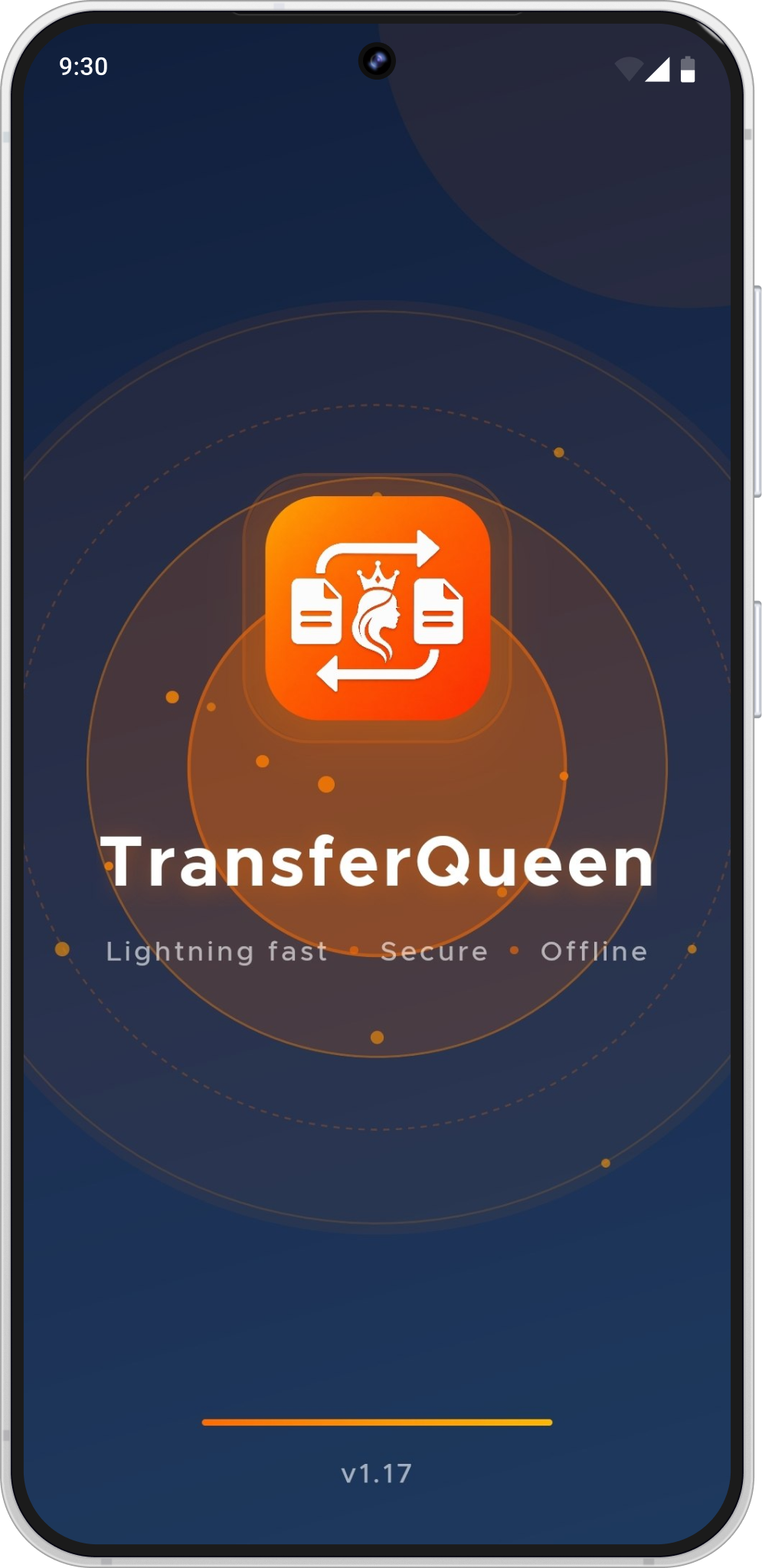
What TransferQueen can and can't do with your contacts
Contacts are listed as a supported file type on both the Android and iOS store pages.
The same connect-select-send flow applies regardless of which two platforms are involved.
Not confirmed by either store listing.
Flagged for verificationTransferQueen does not claim to migrate an entire phone — it transfers the specific file types listed on its store pages, contacts included.
Getting a new phone
Contacts are usually the first thing people notice missing on a new phone. Connect your old and new devices in TransferQueen and send your contact list across in the same session as your photos.
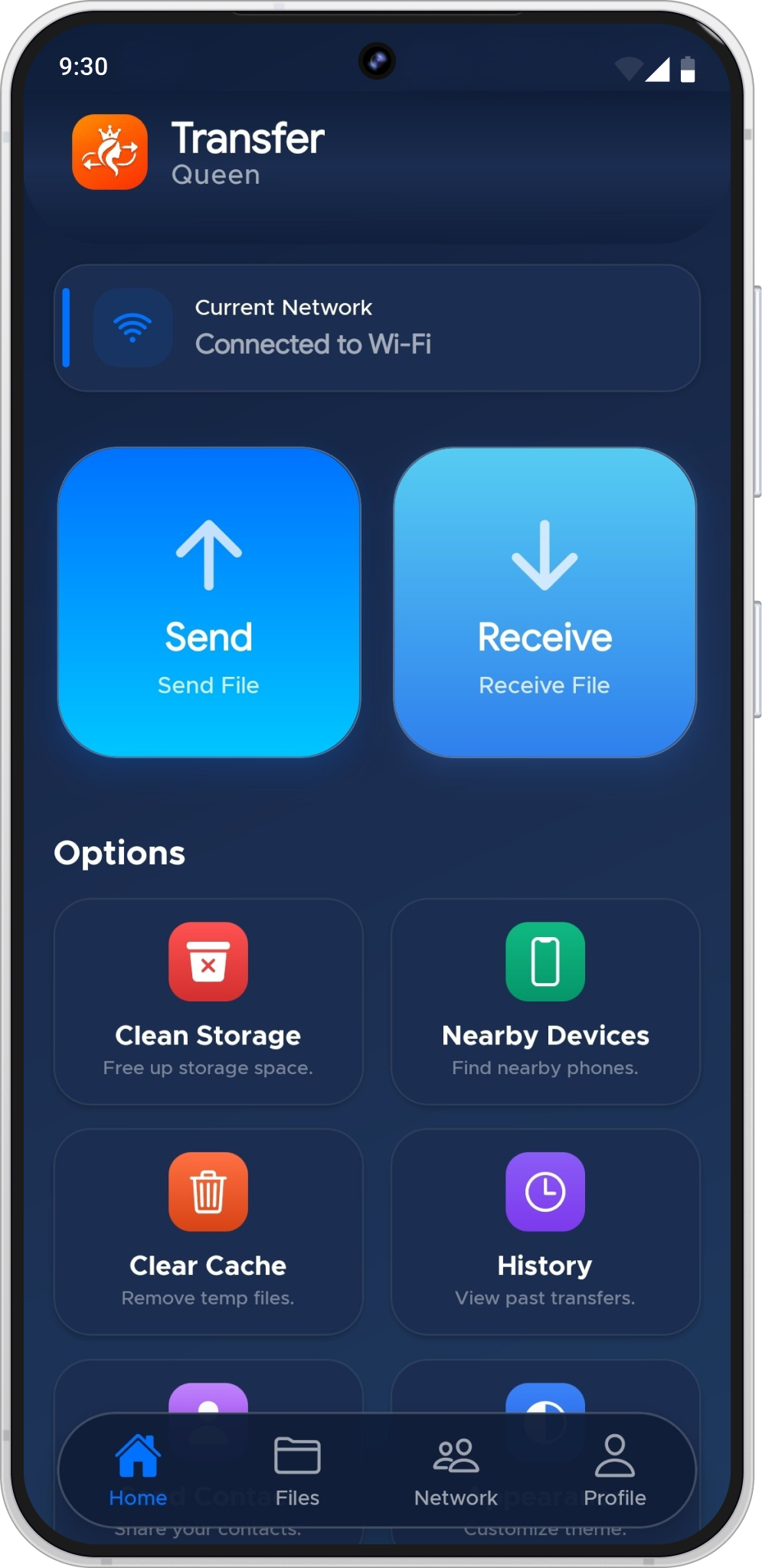
Contact transfer questions
Open TransferQueen on your Android phone and TransferQueen: Photo Share App on your iPhone, connect the two devices, select contacts from the send menu, and start the transfer.
The same flow in reverse: connect the two apps over Wi-Fi or a QR code, select contacts on the iPhone, and send to Android.
Yes — Android to Android and iPhone to iPhone contact transfers both use the same connection method.
The store listings don't describe an account or sign-up step. This is flagged for verification with the product team before being stated as a guarantee.
Transfer Your Contacts
Free on Google Play and the App Store.
Listed as "TransferQueen: Photo Share App" on the App Store.